¶ Information Required
To setup for an EZ Game Host Cloud (therefore referred to as "the platform") account, you'll need to provide the following information.
-
Email Address: A email address will be required. You must be able to receive emails via this address. This address will also optionally be used for platform notifications and new releases.
-
Physical Address: to use the platform, you must enter a valid billing address.
¶ Payment Methods
We currently offer 2 payment methods:
-
For must customers, we accept credit card/debit card payments via our 3rd party payment processor.
-
For enterprise customers, we are able to accept a wire/SWIFT payment. We do offer enterprise commitment discounts.
¶ Setup
To create an account, go to https://cloud.ezgamehost.com/, you will be prompted to the unified authentication system. This account could either be an existing game hosting account or an entirely new account.
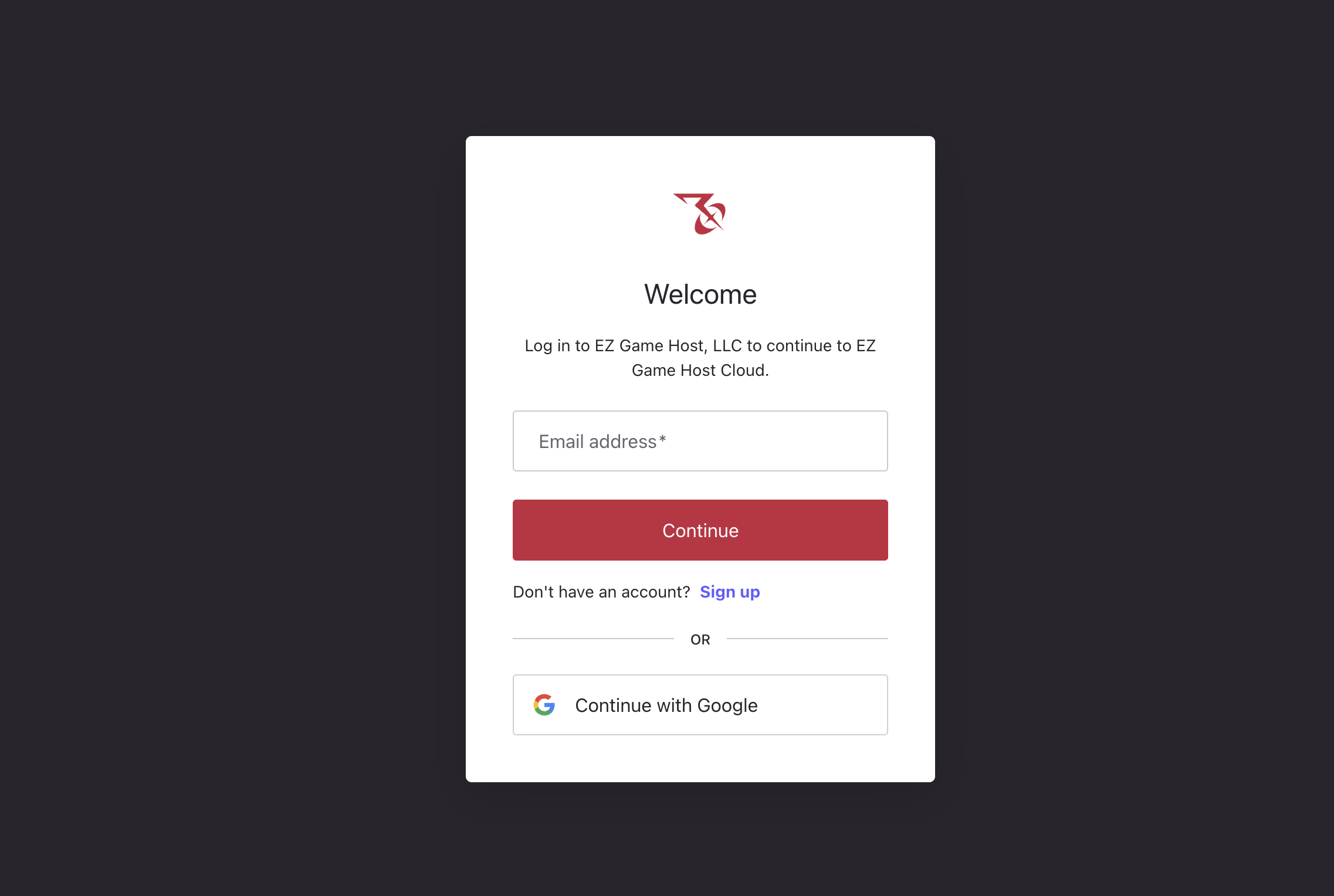
After creating/signing in to the account, you will be prompted to setup a project.
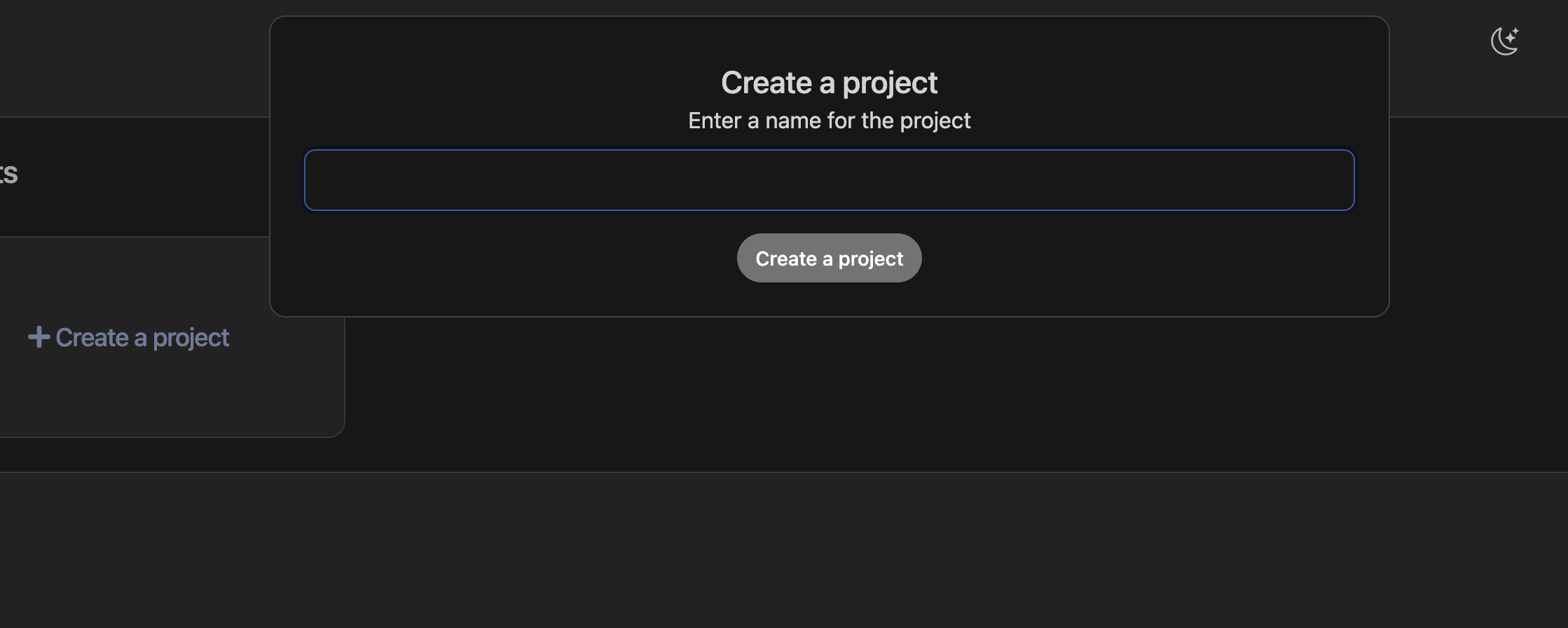
Projects in the platform are logical identifiers that isolate tenant resources. A common pattern is to create separate project per application you are interested in deploying or a separate project per environment. ie: Prod, UAT, and Dev.
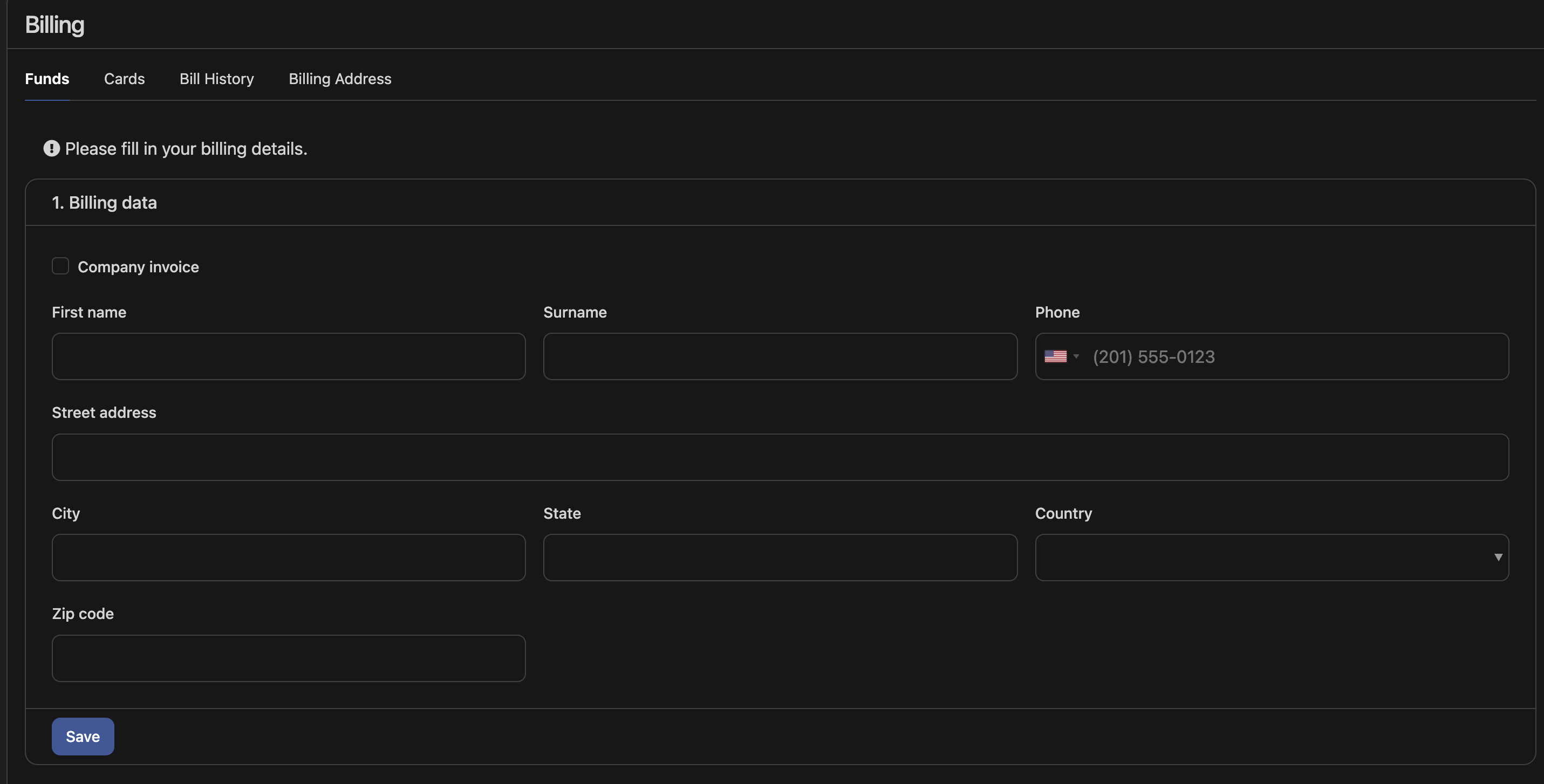
Now, you will be prompted to enter the billing address. This is used for generating invoices as well as provided to the third party payment provider for payment authentication.
Next go to the Cards tab:
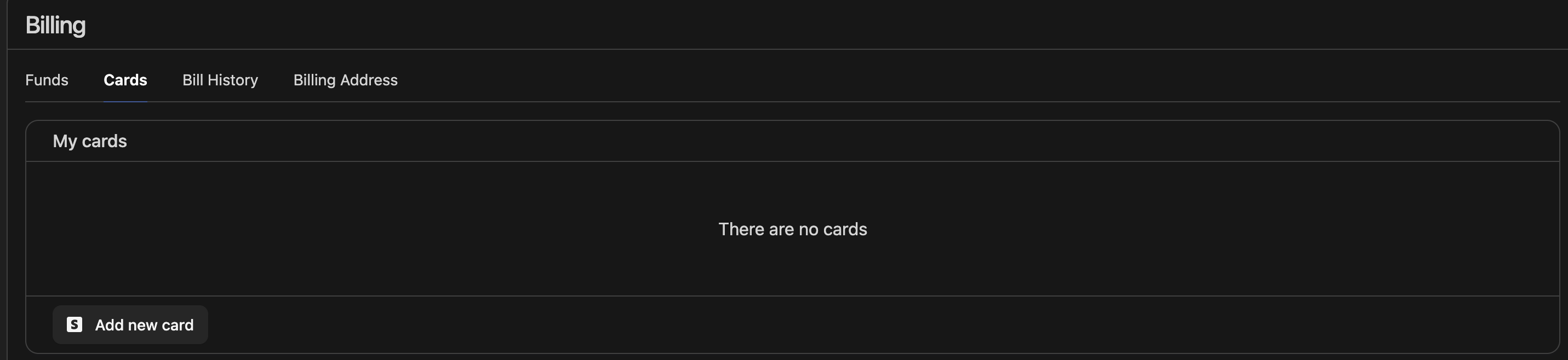
and add a new card. This will prompt you to enter your credit card information. We accept all large card processors including Visa, Mastercard, American Express and JCB.
Once the credit is successfully authenticated, your account will be activated.
Now, to setup a server, checkout Setup a server